How do I change my page url on Facebook?

To change your Page username on Facebook:
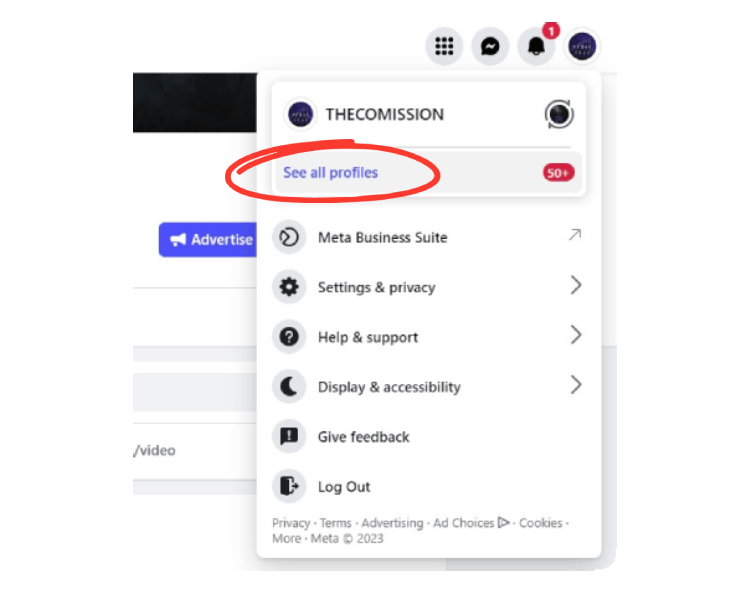
- Log into Facebook, then click your profile photo in the top right.

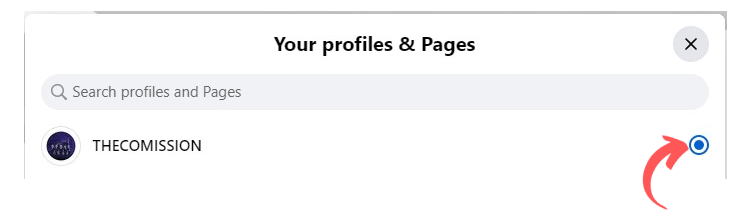
2. Click See all Profiles, then select the Page you want to change the url.
3. Click your Page’s profile picture to switch into that account.
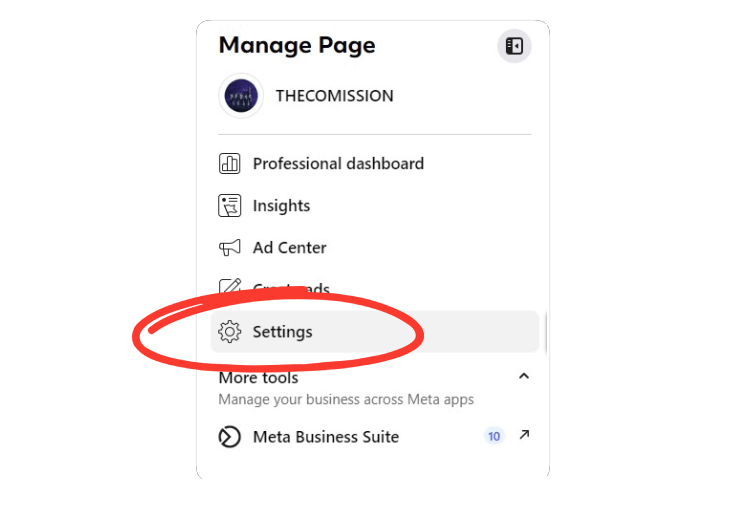
4. Click Settings. (on the left side)
5. Next to Username, click Edit and enter your new username.
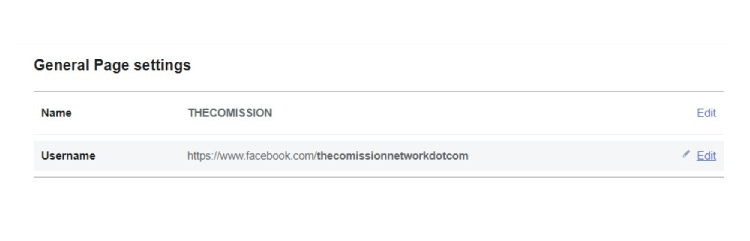
6. If the username is available, click Save Changes.